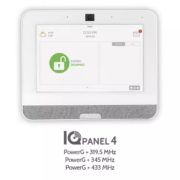
Alarm systems are crucial for protecting homes and businesses. One term you might encounter is “Power G.” But what does it mean, and how does it benefit you? Let’s dive into the details.
1. Advanced Wireless Technology Power G technology represents the latest in wireless communication for alarm systems. It offers long-range coverage, making it suitable for large properties.
2. Interference-Free Communication Power G operates on multiple frequencies, ensuring reliable communication. This reduces the risk of interference from other wireless devices, providing a stable connection.
3. Enhanced Security Features Alarm systems with Power G come with advanced features like encryption and two-way communication. These features prevent tampering and ensure signals are transmitted securely.
4. Battery Life Devices using Power G technology have extended battery life. This means less frequent replacements and more reliable performance over time.
5. Easy Installation and Expansion Power G systems are easy to install and expand. Adding new sensors or devices is straightforward, making it a flexible solution for growing security needs.
6. Free Security Estimate Interested in upgrading to an alarm system with Power G technology? Bee-Safe offers a Free Security Estimate to evaluate your security requirements. Contact us today to learn more.
Understanding Power G technology can help you make informed decisions about your security system. Its advanced features and reliable performance make it an excellent choice for comprehensive protection.

Businesses today need advanced security measures to protect their assets and data. Cloud access control is an innovative solution that offers numerous benefits. Let’s explore how it can enhance your business security.
1. Remote Management With cloud access control, you can manage your security system from anywhere. Whether you’re on-site or off, you can control access, monitor activity, and receive alerts via your smartphone or computer.
2. Scalability Cloud access control systems are easily scalable. As your business grows, you can add more doors, users, and locations without significant hardware investments.
3. Cost-Effective Traditional access control systems require substantial upfront costs and maintenance. Cloud solutions reduce these expenses by eliminating the need for on-site servers and extensive hardware.
4. Enhanced Security Cloud access control provides real-time monitoring and instant updates. You can set custom access levels, ensuring only authorized personnel enter restricted areas. Additionally, cloud systems often integrate with other security measures like video surveillance.
5. Data Analytics Access control data can be analyzed to improve security protocols. Understanding patterns and identifying potential threats allows for proactive measures.
6. Free Security Estimate Considering cloud access control for your business? Bee-Safe offers a Free Security Estimate to help you determine the best solution for your needs. Contact us to get started.
Implementing cloud access control can streamline your operations and enhance your business security. Embrace this modern technology to safeguard your assets effectively.

Home security is essential for protecting your family and possessions. Implementing simple, everyday practices can significantly enhance your home’s safety. When you’re on vacation, the last thing you want to worry about is the security of your home. Implementing a few key practices can help ensure your property remains safe while you’re away. Here are the best practices for putting your home in “Vacation Mode.”
1. Use Timers for Lights Set timers for indoor and outdoor lights to create the illusion that someone is home. Choose random patterns to mimic normal activity and deter potential intruders.
2. Secure All Entry Points Double-check that all doors and windows are securely locked. Use deadbolts and consider installing additional security bars or dowels in sliding doors and windows.
3. Hold Mail and Deliveries A full mailbox or packages left on the doorstep are clear signs that no one is home. Put a hold on your mail and ask a neighbor to collect any deliveries while you’re away.
4. Inform a Trusted Neighbor Let a trusted neighbor know you’ll be away and ask them to keep an eye on your property. Provide them with a key and your contact information in case of emergencies.
5. Adjust Your Security System Ensure your security system is armed and functioning properly. Update contact information and settings, and consider enabling any vacation-specific features your system offers.
6. Avoid Social Media Announcements While it’s tempting to share your vacation plans on social media, it’s best to wait until you return to post about your trip. Public announcements can inadvertently alert potential burglars.
7. Use Security Cameras Install security cameras around your property and ensure they’re working correctly. Many modern cameras offer remote monitoring, so you can check on your home from anywhere.
1. Lock Doors and Windows
Always lock your doors and windows, even when you’re at home. Invest in quality locks and consider installing deadbolts for added security.
2. Use Security Cameras
Security cameras act as a deterrent to potential intruders. Place cameras at entry points and ensure they’re visible. Modern cameras can be monitored via smartphone, providing real-time alerts.
3. Install Outdoor Lighting
Illuminate your home’s exterior with motion-sensor lights. This reduces hiding spots for intruders and increases visibility at night.
4. Maintain Your Yard
Keep bushes and trees trimmed to eliminate hiding spots. A well-maintained yard also signals that someone is home.
5. Secure Your Wi-Fi Network
Protect your home network with a strong password and encryption. This prevents hackers from accessing your personal information.
6. Get a Free Security Estimate
Consider professional security services for comprehensive protection. Bee-Safe offers a Free Security Estimate to assess your home’s security needs. Contact us today to learn more.
By incorporating these practices into your daily routine, you can create a safer environment for your family. Stay vigilant and proactive to ensure your home remains secure.

Seconds matter in a crisis. Firefighters, police officers, and emergency medical responders need to make decisions fast with the information they have on hand – and that information leans heavily on direction from 911 professionals.
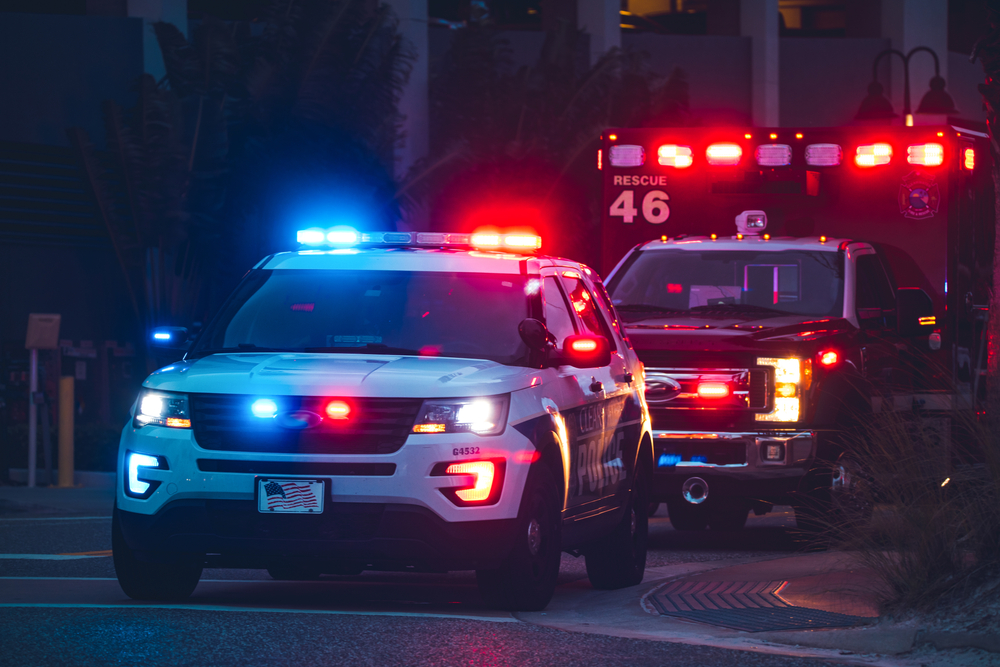
Typically, 911 professionals learn about an ongoing emergency situation from phone calls placed by those affected by the situation or by nearby witnesses. Often the same incident can spark dozens of calls, though each caller may have little information to add. What callers usually don’t have is a way to directly and visually communicate the state of what’s happening.
Even if an emergency call center has the ability to receive photos or video clips, callers can’t provide ongoing video of the area. Operators therefore lack real-time situational awareness.
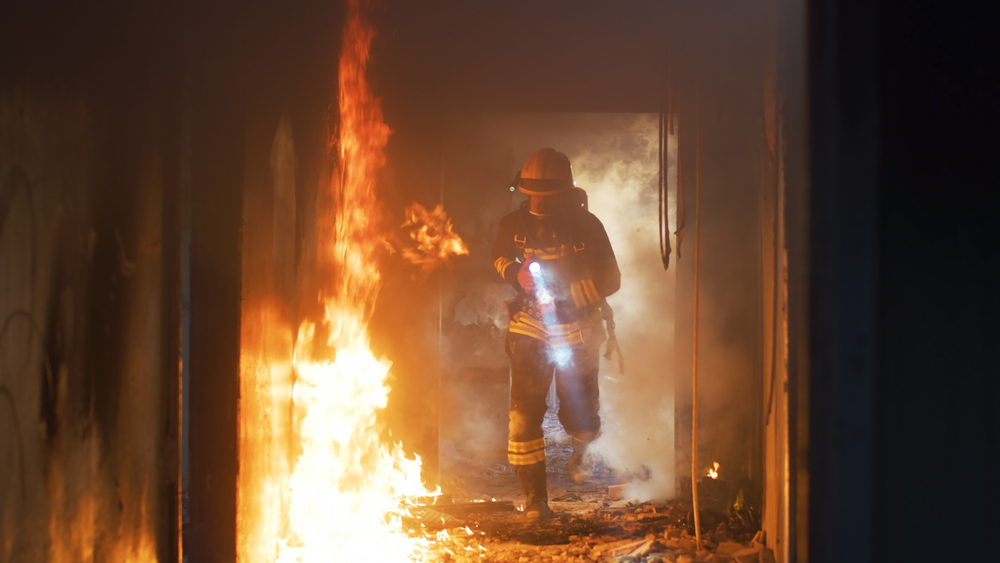
Because that awareness is lacking, on-the-ground personnel operate at a disadvantage. Is there anyone around the next corner? Is there a hazard that an outside observer would be able to warn them about? From a downed electrical wire to an armed intruder, they need knowledge in advance to help keep others safe.
With direct, real-time access to cameras that cover the actual area of the scene, emergency response operators or dispatchers can tell first responders where people are located, and whether smoke or other safety hazards are present. They can also
supply real-time updates about changes they see on-screen. Until recently, a system that could allow this kind of information sharing would require dedicated network connections, with all of their costs and implications for privacy and security. But secure video sharing with emergency response centers is now possible even for very small organizations, which can elect to have a number of cameras ready to share only in the event of an emergency.

Bee-Safe Technologies offers a ready-made solution that can turn any compatible video surveillance camera into an ongoing source of information for emergency call centers when an incident occurs. Eagle Eye 911 Camera Sharing is available to current Eagle Eye customers, and as an affordable turnkey solution for non-Eagle Eye customers.
Unlike systems proposed in some jurisdictions that require integration with police cameras, Eagle Eye Networks 911 Camera Sharing is designed to supply video to local emergency communications centers only when a crisis is reported – and only as long as the emergency lasts. When an emergency call is placed from anywhere within a customizable distance of a pre-designated camera, the camera’s video feed is made
automatically and securely available to the emergency operator. Imagine the peace of mind that could come from closing this communications gap on your own premises.
Eagle Eye 911 Camera Sharing is available at a low monthly cost to Eagle Eye VMS customers (and is included at no additional charge with Eagle Eye Professional and Enterprise Editions), or as a subscription-based standalone system supporting up to four cameras. Learn more about making your premises safer with camera sharing.
Are you ready for an on-site emergency? A practical checklist Camera sharing is one valuable part of building resilience into your organization – survey your organization’s overall readiness with the help of a practical checklist.